 PixoVault
Free
Perfect for small projects or getting started.
$0
- 3 projects
- 30 photos total
- Project organization & map
- Curated portfolio sharing

Job photos. Organized.
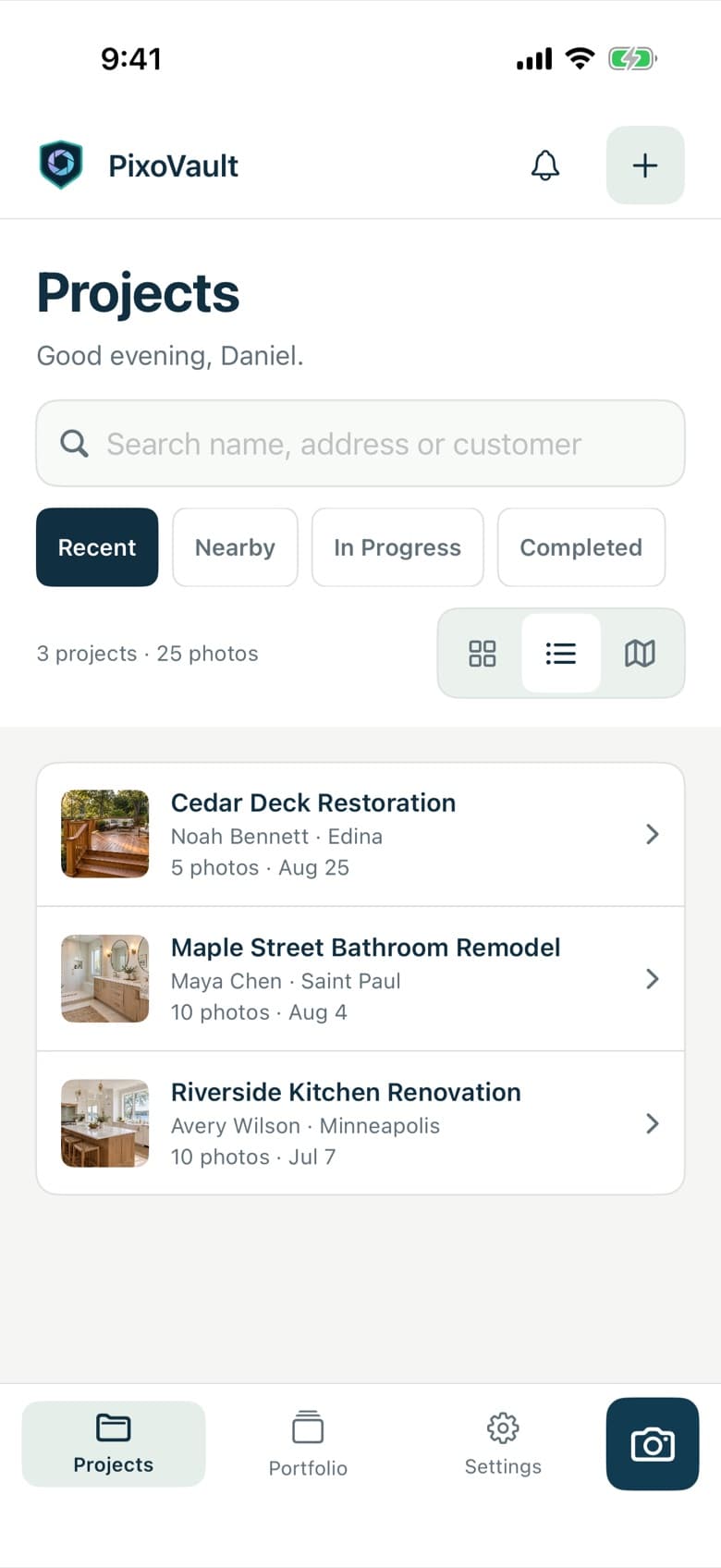
PixoVault helps contractors, builders, and homeowners organize job photos, track progress, and share their best work with clients, all in one simple app.
How it works
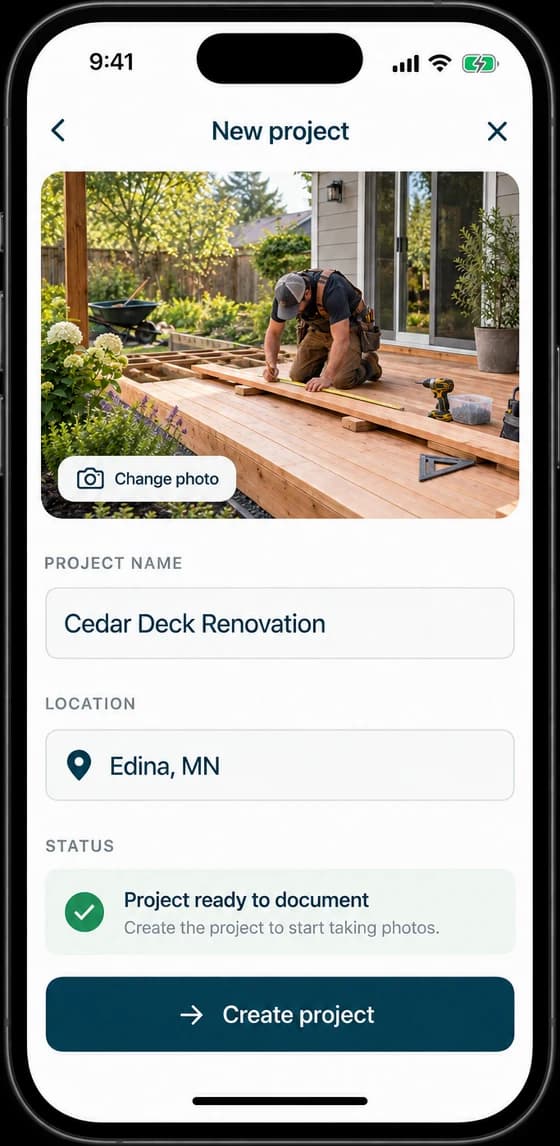
Start from the real jobsite. Search the address or pin it on the map.
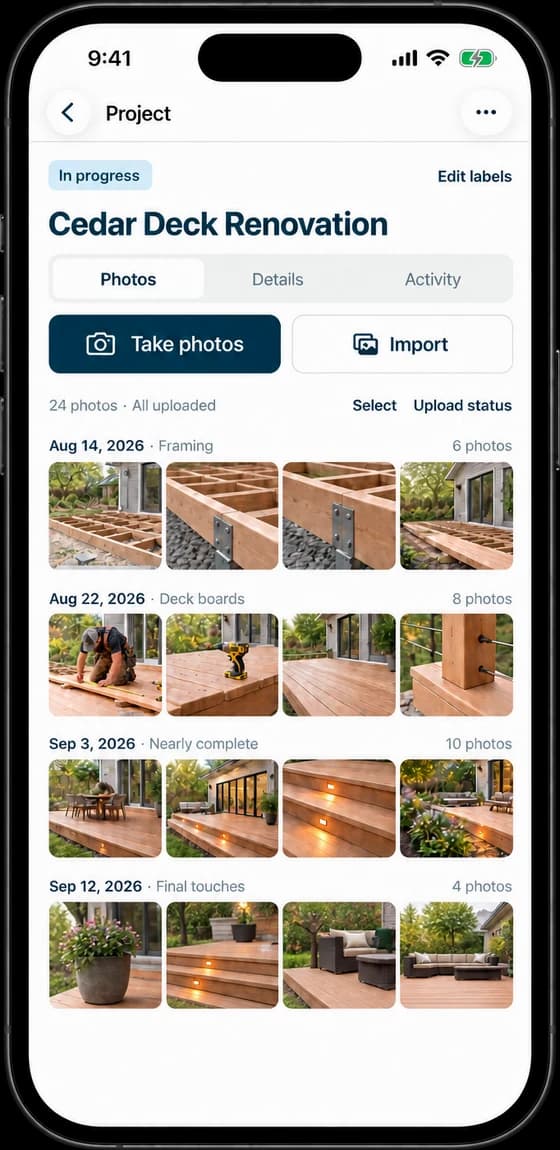
Photograph every stage, from framing through completion.
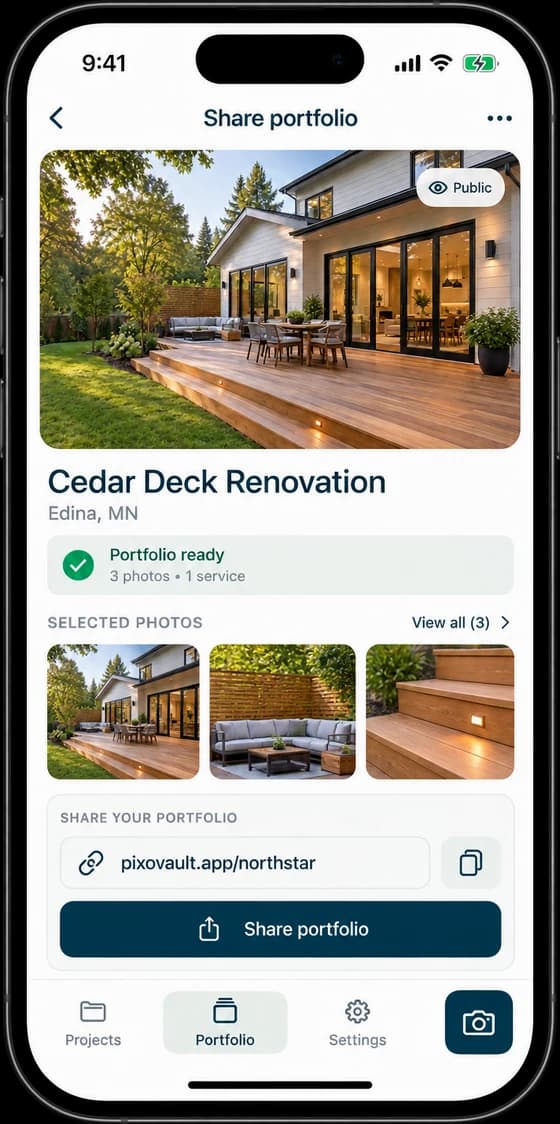
Turn your best shots into a client-ready portfolio.
Why PixoVault
PixoVault helps contractors, builders, and homeowners keep their photos, project details, and client information in one simple, secure place.
Pin the jobsite on the map and keep client details, notes, and labels with the project.
Learn moreTake photos or import from your library and quickly see what still needs attention.
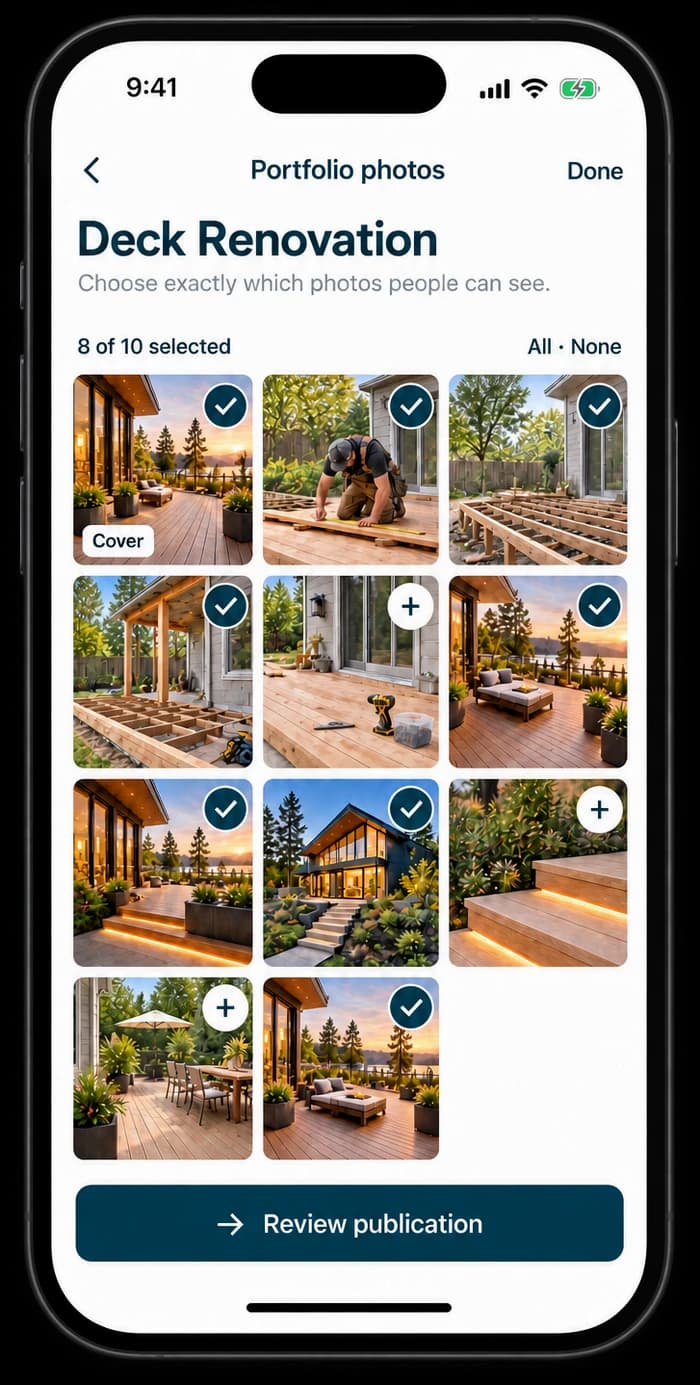
Learn morePhotos stay in your account. Nothing becomes public until you choose it for your portfolio.
Learn morePick your best shots, write a public title, and share one clean link with clients.
Learn moreTurn photos into opportunities
Share selected projects with a clean, professional portfolio. It’s an easy way to show the quality of your work and build trust with clients.






Simple pricing
Perfect for small projects or getting started.
$0
For contractors and serious projects.
$14.99/ monthor $149 / year (save 17%)
Subscriptions are billed through your Apple account. Manage or cancel any time in iPhone Settings.
PixoVault for iPhone is on its way to the App Store. Questions before launch? We’d love to hear from you.